This guide covers all the ways to sign in to your Sellfaster account.
Authentication Methods
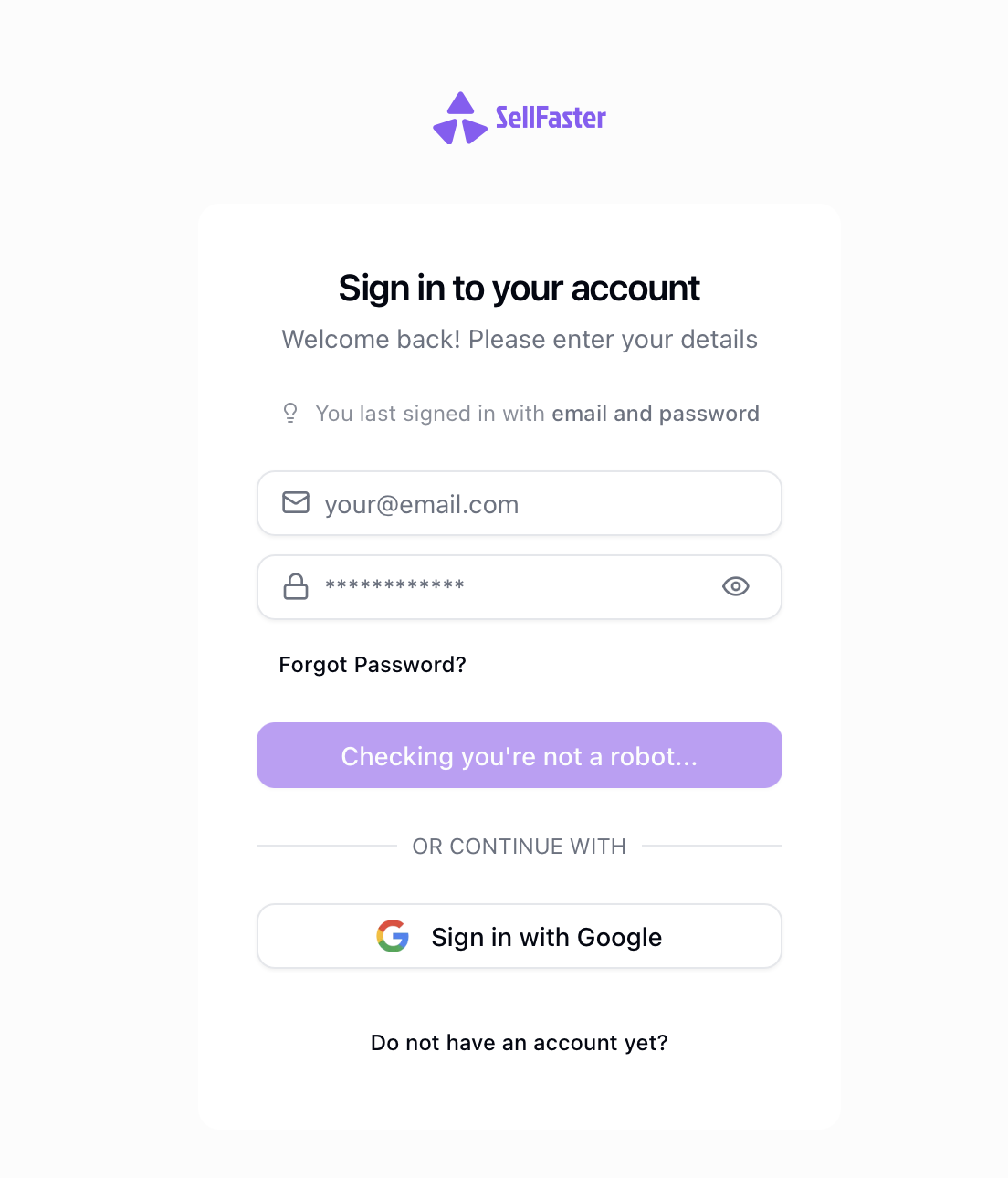
Email and Password
- Navigate to the sign-in page at
https://sellfaster.eu/auth/sign-in - Enter your registered email address
- Enter your password
- Click Sign In
Google Sign-In (OAuth)
- Navigate to the sign-in page
- Click Continue with Google
- Select your Google account
- You'll be signed in automatically
Multi-Factor Authentication (MFA)
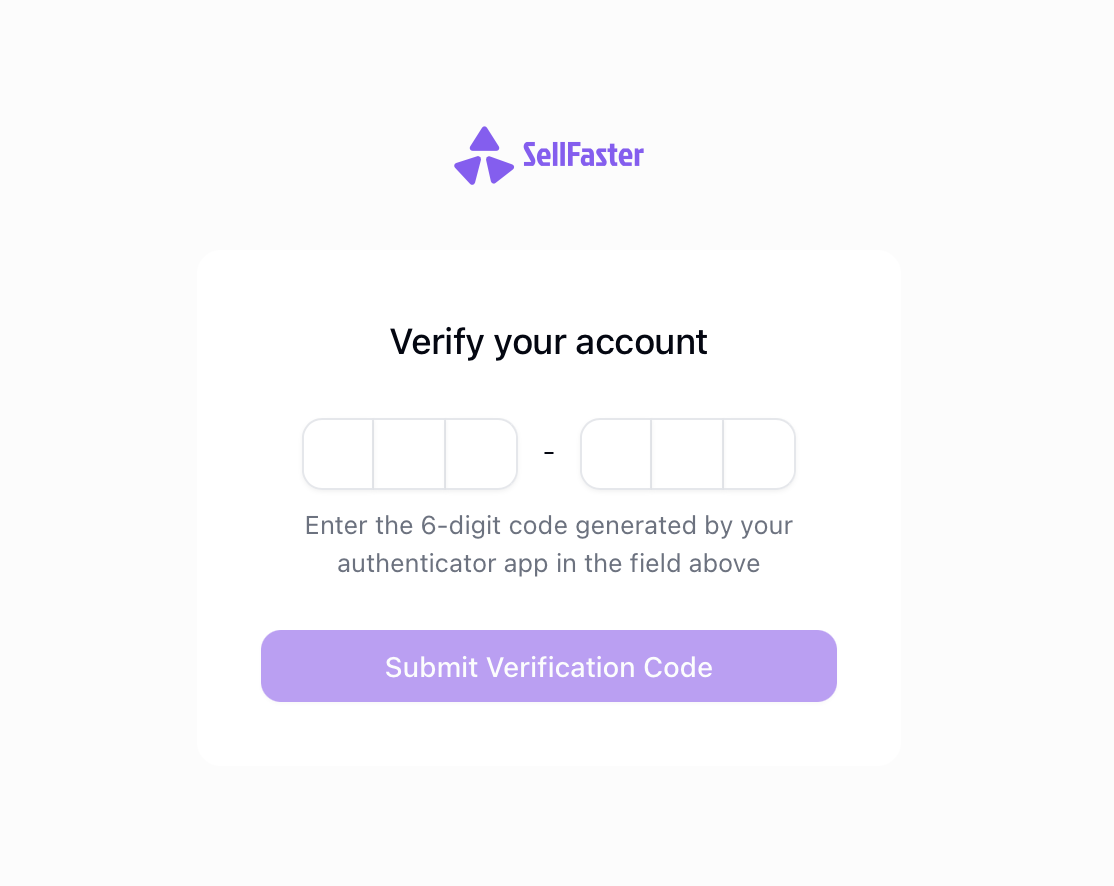
If you have MFA enabled on your account, you'll be prompted for an additional verification step after entering your primary credentials:
- Enter your email and password (or use OAuth)
- When prompted, enter the code from your authenticator app
- Click Verify
See Setting Up MFA to enable multi-factor authentication.
Session Management
Your session will automatically expire after a period of inactivity. When this happens:
- You'll be redirected to the sign-in page
- Sign in again to continue working
- Any unsaved work may be lost
Signing Out
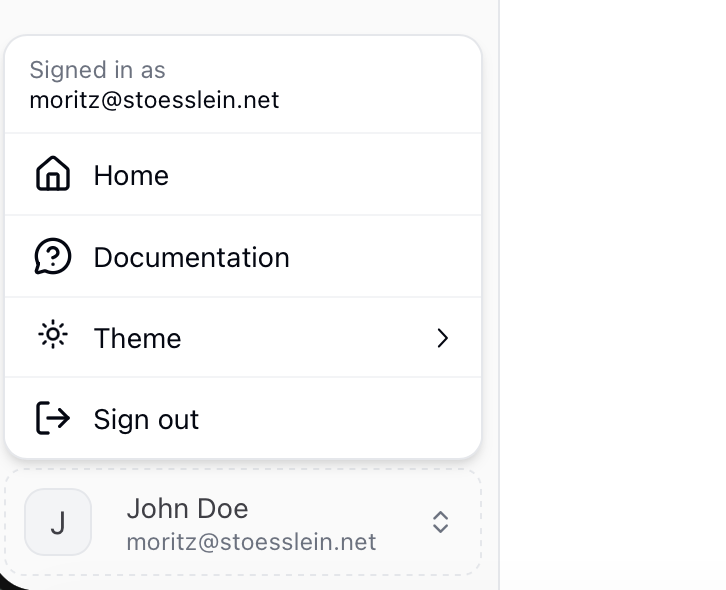
To sign out of your account:
- Click your profile avatar in the sidebar
- Select Sign Out
- You'll be redirected to the sign-in page
Troubleshooting
Invalid Credentials
If you see "Invalid credentials" error:
- Double-check your email address
- Ensure CAPS LOCK is not enabled
- Try resetting your password
Account Not Found
If your account is not found:
- Verify you're using the correct email
- Check if you signed up with a different method (Google vs email)
- Create a new account if needed
OAuth Sign-In Failed
If Google sign-in fails:
- Ensure pop-ups are not blocked
- Try clearing your browser cache
- Use an incognito/private window
- Contact support if the issue persists
Too Many Failed Attempts
For security, accounts may be temporarily locked after multiple failed sign-in attempts:
- Wait 15-30 minutes before trying again
- Use password reset to set a new password
- Contact support if you're still locked out
Related Topics
- Password Reset - Recover your password
- Setting Up MFA - Enable two-factor authentication
- Security Settings - Manage authentication options