This guide walks you through the process of creating a new Sellfaster account.
Sign-Up Methods
Sellfaster supports multiple ways to create an account:
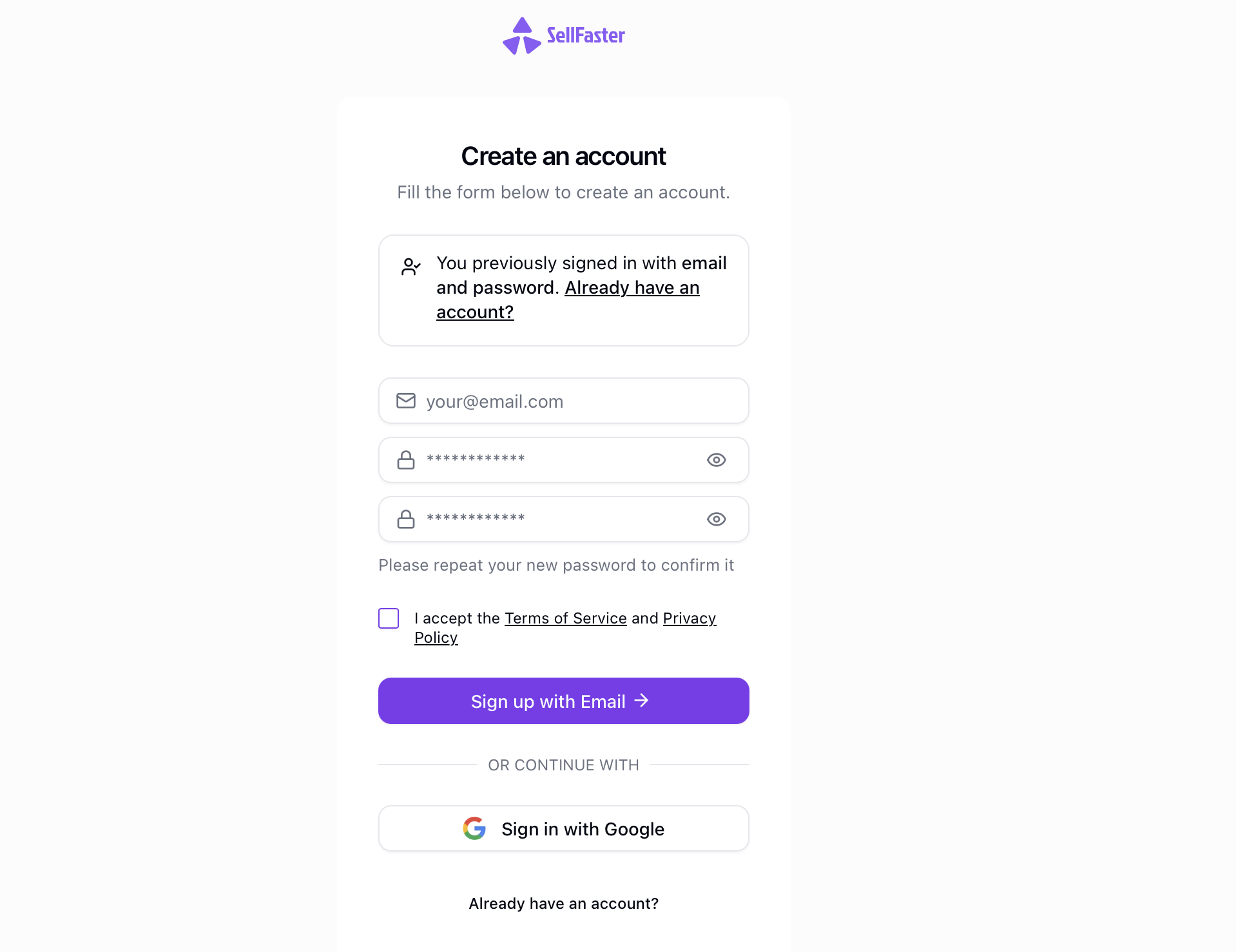
Option 1: Email and Password
- Navigate to the sign-up page at
https://sellfaster.eu/auth/sign-up - Enter your email address
- Create a secure password
- Click Sign Up
Email Verification
After signing up with email and password:
- Check your email inbox for a verification message
- Click the verification link in the email
- You'll be redirected to the application
Note: If you don't receive the verification email within a few minutes, check your spam folder or request a new verification email.
Option 2: Google Sign-In
- Navigate to the sign-up page
- Click Continue with Google
- Select your Google account
- Grant the requested permissions
Terms and Conditions
During sign-up, you will be asked to accept the terms of service and privacy policy. Review these documents before proceeding:
Password Requirements
When creating a password, ensure it meets the all of the following requirements:
- Minimum 8 characters
- Contains at least one uppercase letter
- Contains at least one lowercase letter
- Contains at least one number
- Contains at least one special character (recommended)
After Sign-Up
Once your account is created, you'll be guided through the first-time setup process to complete your profile.
Joining a Team
If you were invited to join an existing team:
- Click the invitation link in your email
- Create your account (if you don't have one)
- Accept the team invitation
- You'll be added to the team automatically
See Joining a Team for more details.
Troubleshooting
Email Already Registered
If you see an error that your email is already registered:
- Try signing in with your existing account
- Use password reset if you forgot your password
Verification Link Expired
If your verification link has expired:
- Go to the sign-in page
- Enter your email
- Request a new verification email
Next Steps
- Sign In - Learn about authentication options
- First-Time Setup - Complete your profile