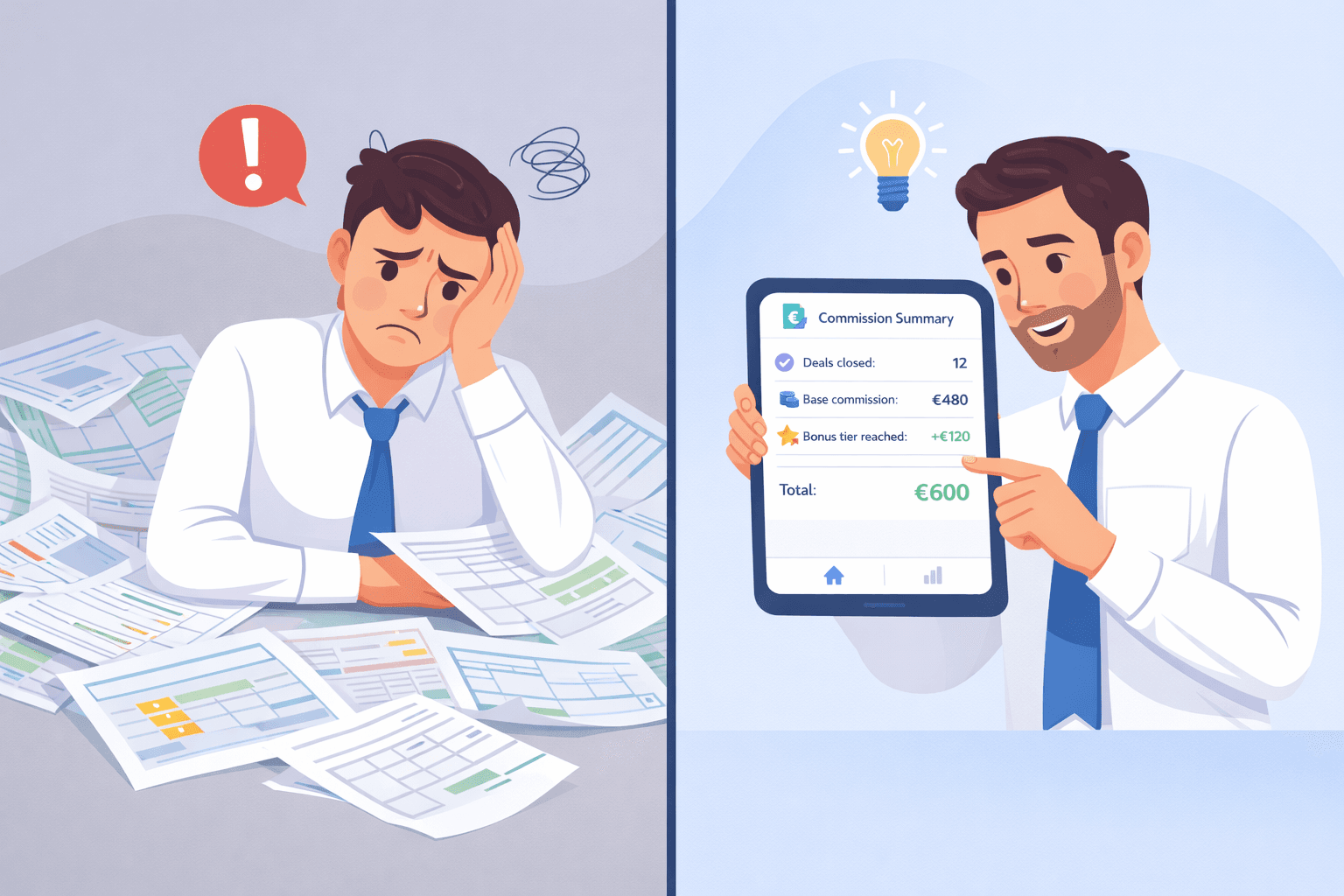
If you're still calculating sales commissions in spreadsheets, you already know the pain. Formulas break. Data gets entered twice. Reps dispute the numbers. And every payout cycle costs you hours you don't have.
Manual commission tracking isn't just inefficient — it actively damages your team. When reps don't trust the numbers, they disengage. When disputes happen, trust erodes. And when errors slip through, the fallout can cost more than the hours you saved.
Here's how to fix it.
Why Manual Commission Calculations Fail
Let's be specific about what goes wrong with spreadsheet-based commission tracking:
1. Human error in data entry Every time a sale gets entered manually, there's a chance for a typo, a missed row, or a duplicate. A single error in a lookup formula can cascade across dozens of records before anyone notices.
2. No single source of truth Sales managers, finance, and HR often maintain separate copies of commission data. When the numbers diverge (and they will), reconciling them wastes hours and erodes trust.
3. Complexity grows faster than spreadsheets can handle When you add bonus tiers, split commissions, chargeback rules, or product-specific rates, Excel becomes a minefield. One wrong formula and the whole model breaks.
4. Delays destroy motivation The longer the gap between a sale and the commission payout — especially when that gap involves back-and-forth corrections — the less motivating the commission becomes.
5. No transparency for reps Reps who can't see how their commission was calculated will always suspect they're being underpaid. Even if they aren't.
What Automated Commission Tracking Looks Like
A proper commission automation system does the following:
Ingests sales data automatically as deals are logged — no manual entry
Applies commission rules consistently based on your defined structure (flat rate, tiered, product-specific, etc.)
Calculates in real time so reps can see their earnings as they work
Generates detailed commission slips showing exactly what was earned and how
Handles edge cases like chargebacks, split deals, and bonus thresholds automatically
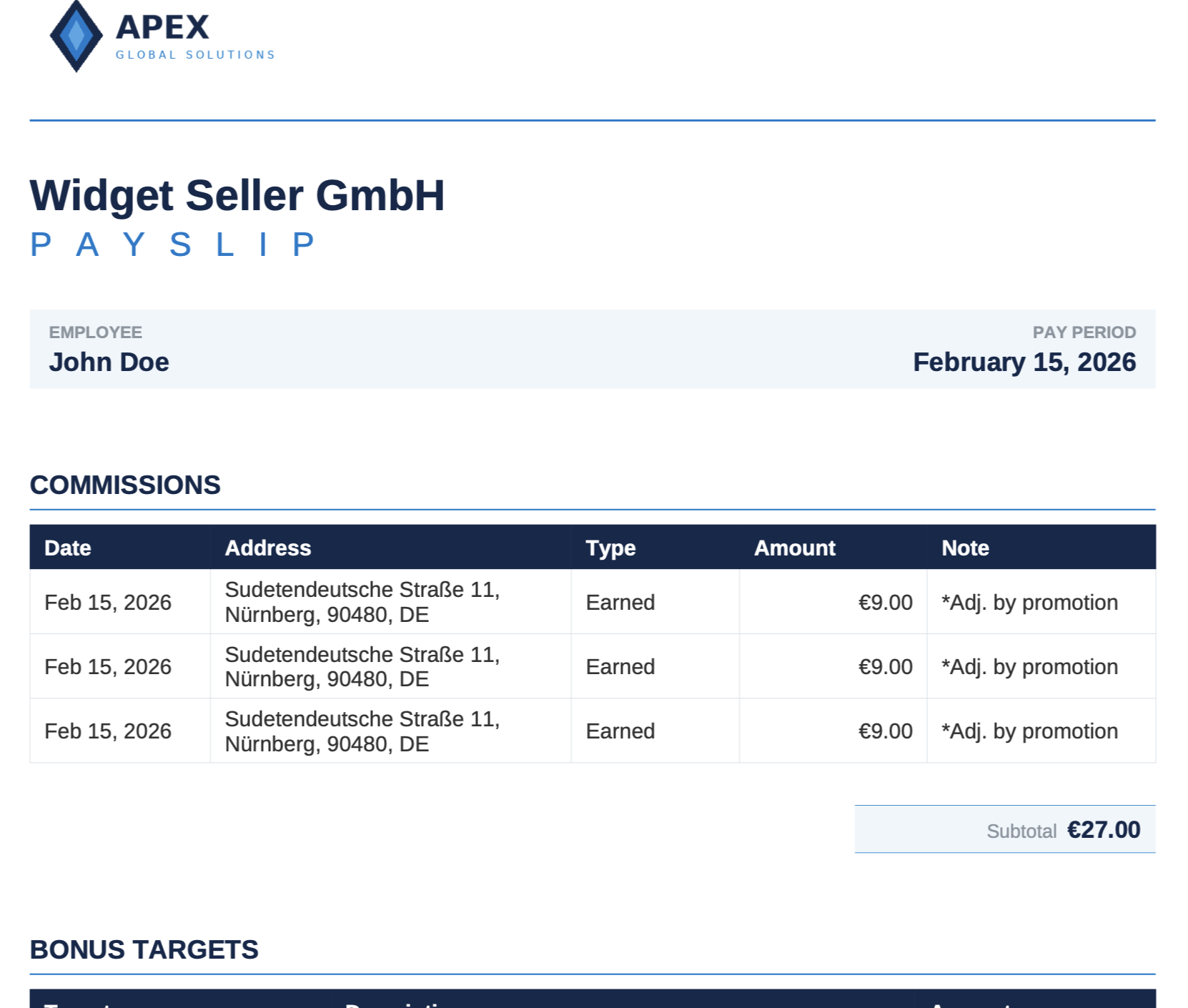
Sellfaster allows you to use your custom templates.
How to Set Up Commission Automation for Your Team
Step 1: Document your commission structure
Before you can automate anything, you need to write down exactly how commissions are calculated. This forces clarity and often reveals inconsistencies you didn't know existed.
Questions to answer:
- Is it a flat rate per sale, or a percentage of revenue?
- Are there tiered bonuses for hitting thresholds?
- Are different products or services paid at different rates?
- How are chargebacks handled?
- Are there split commissions for team deals?
Step 2: Define your data inputs
Automation only works if the input data is clean and consistent. Make sure your team records:
- Date of sale
- Product/service sold
- Sale value
- Which rep closed the deal
- Zone or territory (if relevant)
Step 3: Map your rules to the automation tool
Once your structure is documented and your data inputs are defined, configure your commission software to match. Good tools let you define rules once and apply them across all new sales automatically.
Step 4: Validate with a parallel run
Before switching fully to automated calculations, run one payout cycle in parallel: calculate manually AND using the tool, then compare. This catches any configuration errors before they become disputes.
Step 5: Give reps direct access to their earnings data
The biggest motivation boost from commission automation isn't efficiency — it's transparency. When reps can log in and see their current earnings at any moment, they work harder and trust the process more.
The Real Cost of Getting Commissions Wrong
A common objection to investing in commission software is: "We're not big enough to need this." Here's why that thinking is backwards.
Cost of a single commission dispute: Even a 30-minute conversation between a manager, a rep, and finance costs at minimum €50–100 in combined time. Multiply that by a few disputes per month.
Cost of a churned rep: Replacing a trained door-to-door sales rep typically costs 3–6 months of productivity. If commission disputes are a factor in why reps leave, the cost of fixing the problem is tiny by comparison.
Cost of errors that go unnoticed: When commissions are overpaid due to formula errors, the cost comes directly out of margin. When they're underpaid, you may never even know — until the rep quits.
SellFaster: Built for Commission-Heavy Sales Teams
SellFaster was designed from the ground up for door-to-door and field sales teams — the environments where commission complexity is highest and the cost of errors is most felt.
Key commission features include:
- Automatic commission slip generation after every payout cycle
- Configurable commission rules that match your exact model
- Bonus target tracking so reps see progress toward the next tier in real time
- Full sales history per rep for audit trails and dispute resolution
- Manager dashboard showing team-wide earnings and performance
No more spreadsheets. No more disputes. No more end-of-month scramble.